The GNOME you already have, redrawn.
22 themes that re-color everything, a magnifying dock and a redrawn top bar, on the stock GNOME you already run. One install, everything undoable. No new OS, no tiling window manager to learn.
$ curl -fsSL https://jadeshell.app/install | bash
Every theme, on eight real screens

The real thing, recorded on a real desktop.
No mockups. The dock magnifying under the pointer, three theme switches from the picker, menus opening along the top bar, then the Jade Menu.
Measured in frames.
p95 to the first painted frame of any top-bar menu. That is under two frames at 180 Hz, where one frame is 5.6 ms.
Percentiles, not best runs: p75 and p95 show the slow opens too. The whole desktop re-colors in a quarter of a second, and the dock does its work in a sliver of each frame.
How this was measured
- Menus
- Top-bar menu opens and hover-switches, time to first painted frame. 80 samples.
- Theme switch
- Click to fully repainted Shell: top bar, menus, dock, wallpaper, lock screen. 19 samples.
- Unlock
- Password accepted to desktop drawn. 12 samples.
- Dock
- Work per frame while magnifying: median 0.087 ms, p95 0.169 ms; 0 of 360 frames dropped.
- Idle
- CPU cost at idle, Jade on vs off, over 60 s: 0 measurable.
Measured in Jade Shell’s own test harness on a desktop GPU (NVIDIA RTX 3060 Ti) driving a 180 Hz display: one frame = 5.6 ms. GNOME 50, Fedora 44, 25 Sep 2026. One machine; your numbers will differ.
A redrawn Shell, on the GNOME you keep.
Everything below lives in GNOME Shell itself: no new session, no replacement window manager. Turn any part off in the Jade Shell app.
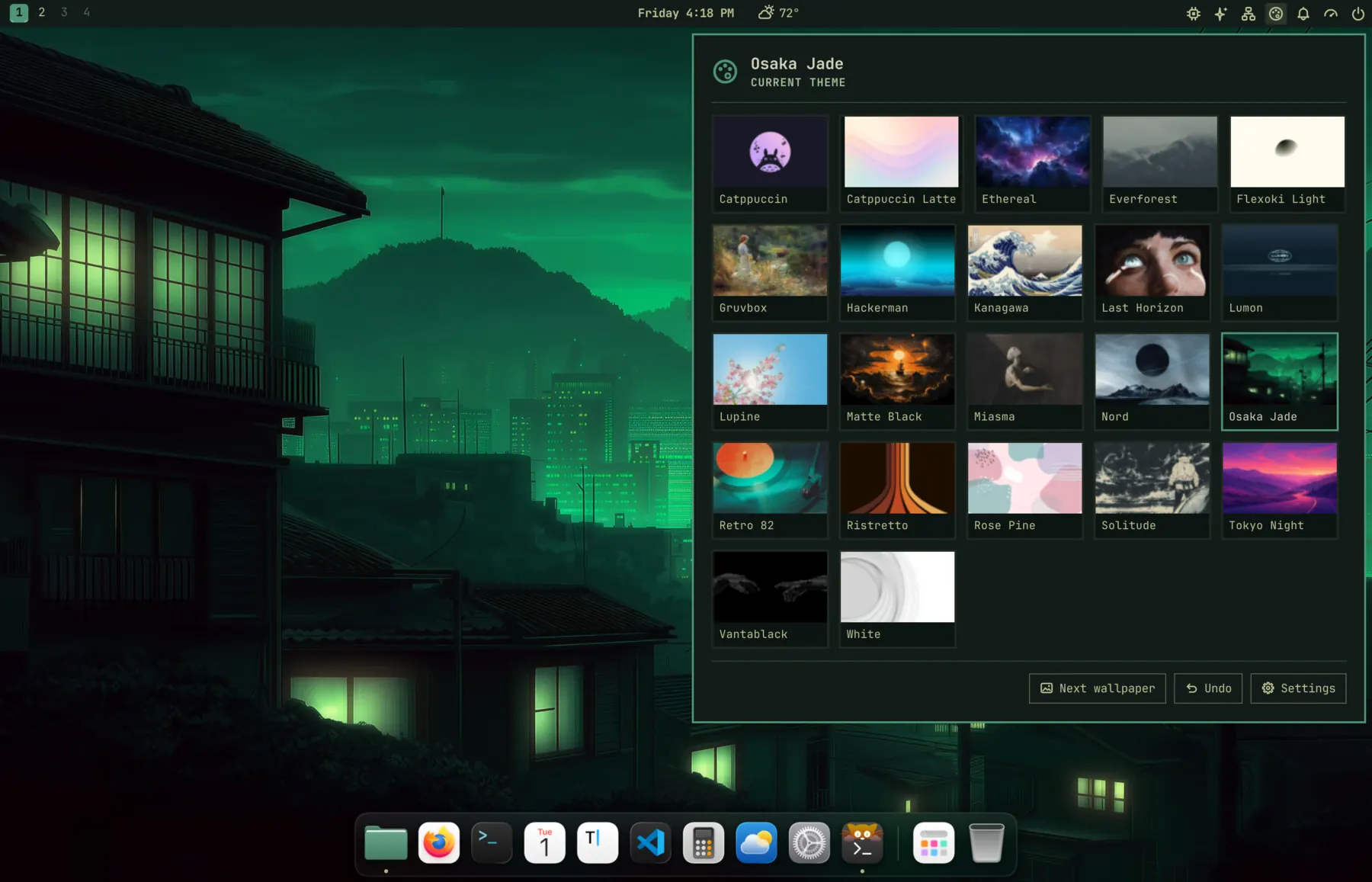
22 themes, dark and light. One click re-colors all of it.
Click the palette in the top bar or press Super+Ctrl+Shift+Space. The menu stays open while you try themes, and each one keeps the wallpaper you last gave it.
Magnification, genie, bounces. At 180 Hz.
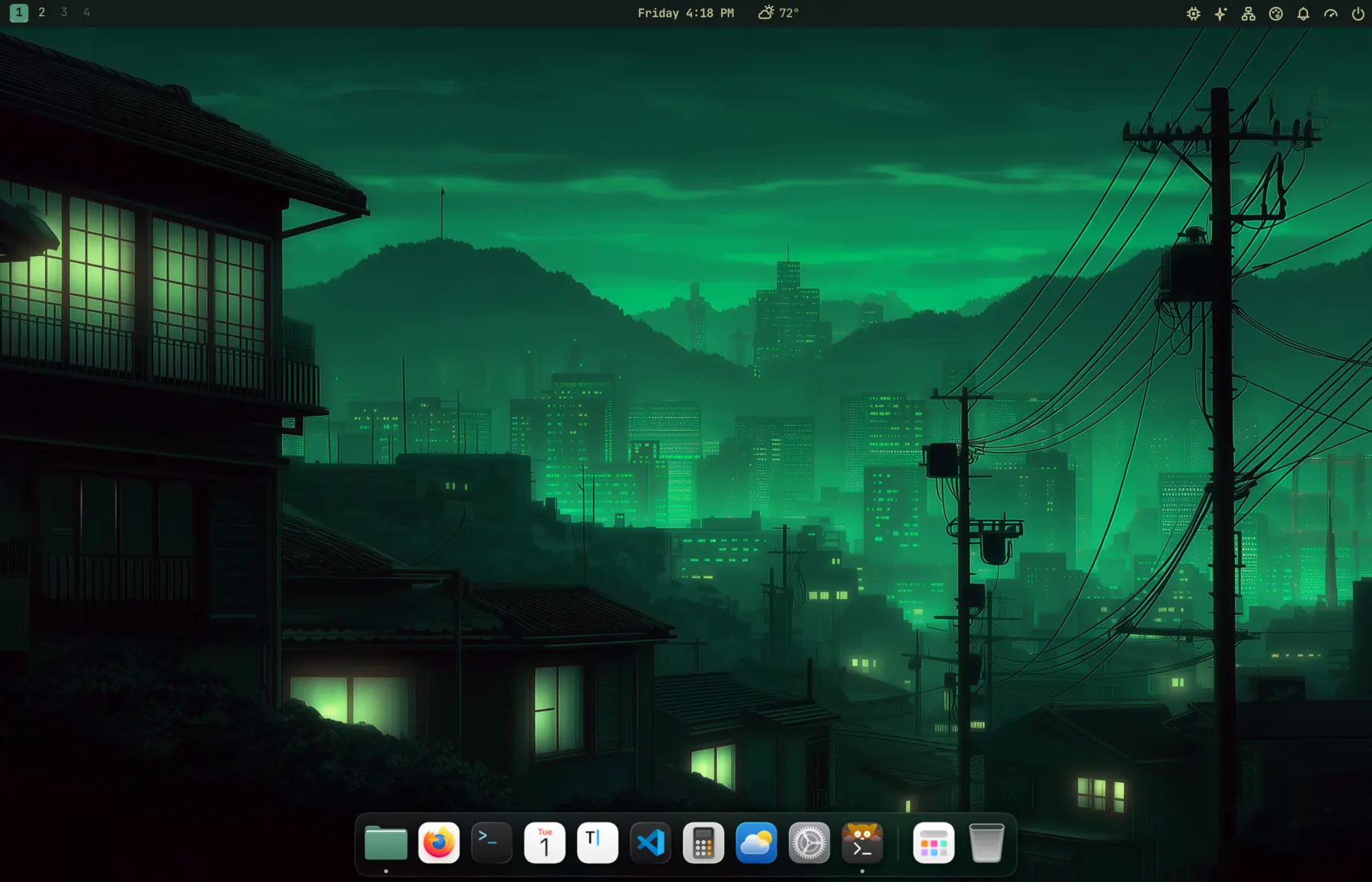
- Icons grow under the pointer, a label names each one, running apps get a dot. The dock on this page works the same way.
- Windows pour into their icon when minimized; an app bounces until its window is up.
- Drawn on frosted glass in the theme’s colors, moved by GPU transforms: 0.09 ms of work per frame.
A redrawn bar, one icon family.
- 148 original icons, GNOME’s status icons included, all on the same rhythm.
- Numbered workspaces replace Activities, as in Omarchy’s Quattro bar. Weather sits by the clock, no Weather app needed.
- Claude and Codex usage as one icon, with Omarchy’s usage panel as its menu.
Try it. Your desktop comes back exactly.
Every switch saves what it will change before it changes it. Edits you made to a config since are kept.
Paste it, log out, log back in.
Run it as your desktop user. It fetches the latest .rpm or .deb, checks it, installs it with dnf or apt, then sets up Osaka Jade.
~ › curl -fsSL https://jadeshell.app/install | bash
Setup turns off extensions that do the same jobs (it names each one) and hands the dock to Jade’s. jade restore turns them back on.