0.9 betaInspired by Omarchy
The GNOME you already have, redrawn.
Omarchy’s look and polish, on the GNOME you already run.
One line to install, one to undo.
$ wget -qO- https://jadeshell.app/install | bash
LiveA dock that feels like the Mac’s. Don’t take our word for it: hover it.try it.
Hover the dock. Open the top bar's menus. Right-click an icon.
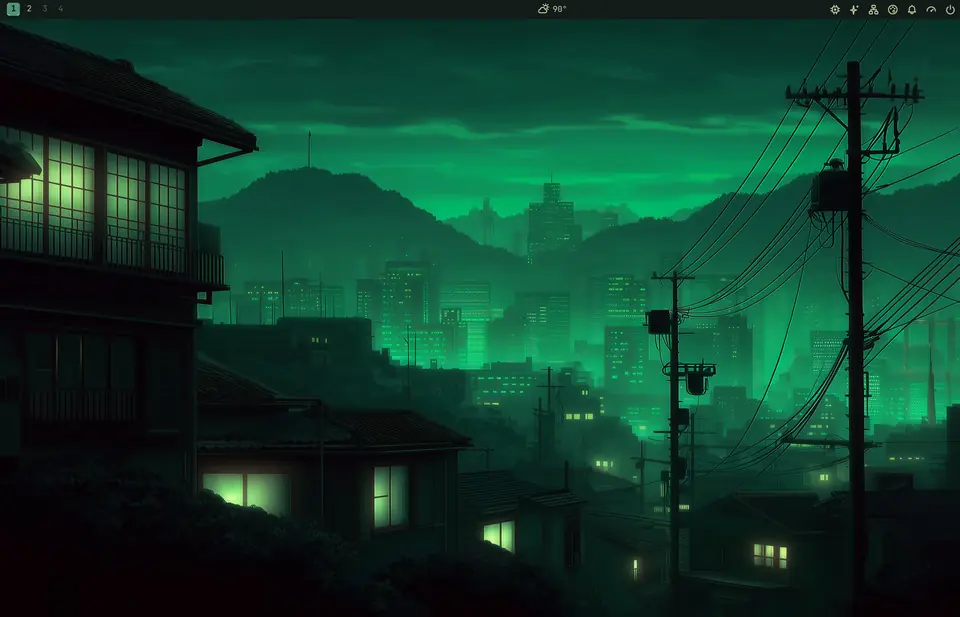
22 themes. One click.
Every switch re-colors
GNOME ShellGNOME appsPtyxisKittyGhosttyAlacrittyVS CodeNeovimObsidiantmuxbtopStarshipClaude CodeTahoe icons
Recorded on a real desktop.
Measured in frames.
Jade Shell
GNOME 50 · Fedora 44
Idle cost: nothing measurable
180 Hz5.6 ms a frame
Menus
open to first frame · n=80
6.6 msp50
01 frame23
Theme switch
click to whole desktop repainted · n=19
253 msp50
0300600 ms
Unlock
password accepted to desktop · n=12
26.6 msp50
02550 ms
Dock
work per frame while magnifying
0 / 360frames dropped
05.6 ms = one frame
First menu open after login25–46 ms (was 71)
Theme switch before this releasep50 505 · p95 535 ms
Soak test80 switches · 400 opens · 18 lock cycles · no memory growth
How this was measured
- Menus
- Top-bar menu opens and hover-switches, time to first painted frame. 80 samples.
- Theme switch
- Click to fully repainted Shell: top bar, menus, dock, wallpaper, lock screen. 19 samples.
- Unlock
- Password accepted to desktop drawn. 12 samples.
- Dock
- Work per frame while magnifying: median 0.087 ms, p95 0.169 ms; 0 of 360 frames dropped.
- Idle
- CPU cost at idle, Jade on vs off, over 60 s: 0 measurable.
- Caveat
- One machine, Jade Shell’s own test harness. Yours will differ.
And the small things.
- Jade MenuSuper+Alt+Space
- Clipboard historySuper+Ctrl+V
- Screenshot cardPrint
- Color pickerSuper+Print
- Wi-Fi as a QR codeSuper+Ctrl+W
- Claude and Codex usage
- System monitor
- Weather by the clock
- Notifications panelSuper+V
- Shortcut sheetSuper+K
- Frosted glass
- Omarchy keymapoptional
Undo anything.
~ › jade theme undo # the last switch
~ › jade keys revert # every key the keymap moved
~ › jade restore # your desktop from before Jade
Saved before every changeEvery download verifiedUpdates with dnf or aptCommunity themes can’t run code
Your turn.
$ wget -qO- https://jadeshell.app/install | bash
Open the Terminal app, paste this line and press Enter. It asks for your password once, takes a minute or two, and offers to log you out at the end. Fedora 44 or Ubuntu 26.04.